Tomb Raider
Feral Interactive
Dec 19, 2025
2.7 GB
23.329
Android 6.0+
20000+

Description
Overview of Tomb Raider APK
For the first time, players worldwide can experience Tomb Raider right on their mobile phones. One of the most classic action-adventure game series of all time, this console-style experience will be available on Android devices on February 12, 2026. The game brings Lara Croft’s iconic survival journey to mobile platforms, combining cinematic storytelling, immersive exploration, and puzzle gameplay in a meticulously designed environment. The combination of survival challenges, obstacle courses, and combat creates a standout experience for adventure game enthusiasts with a richly constructed world. Let me help you explore all the features of Tomb Raider in the article below!
Features of Tomb Raider APK Mobile
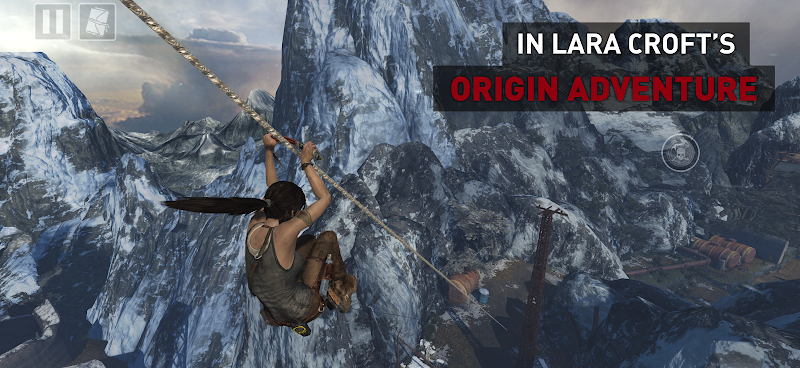
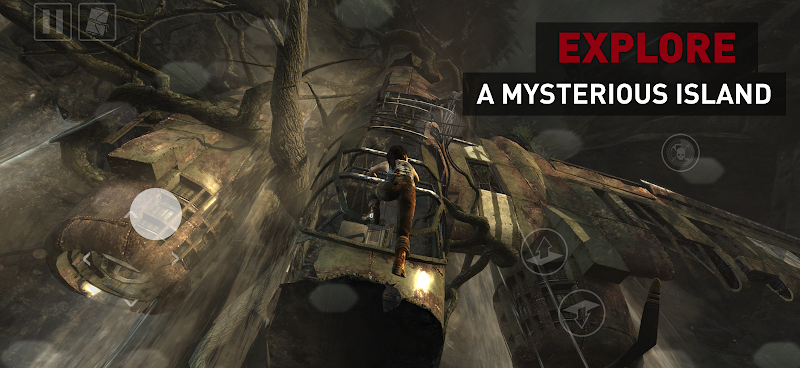
- Exploration of Diverse Environments: The game features expansive environments including forests, tombs, mountains, and hidden ruins that encourage deep exploration. Players can climb cliffs, swim, crawl through narrow tunnels, and uncover ancient locations packed with secrets, relics, and optional challenge areas. Every region is built with environmental storytelling that enriches the adventure.
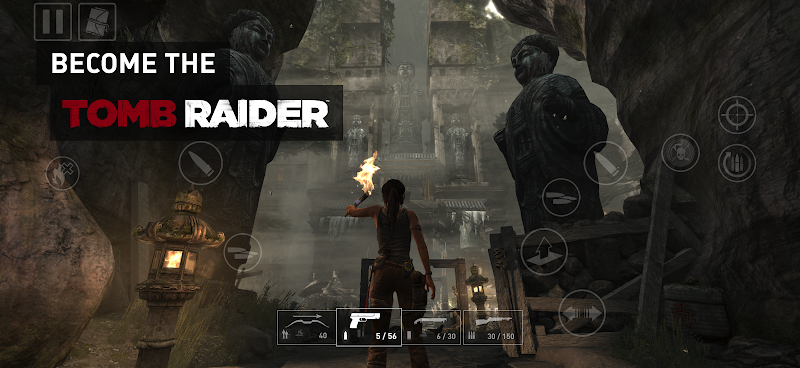
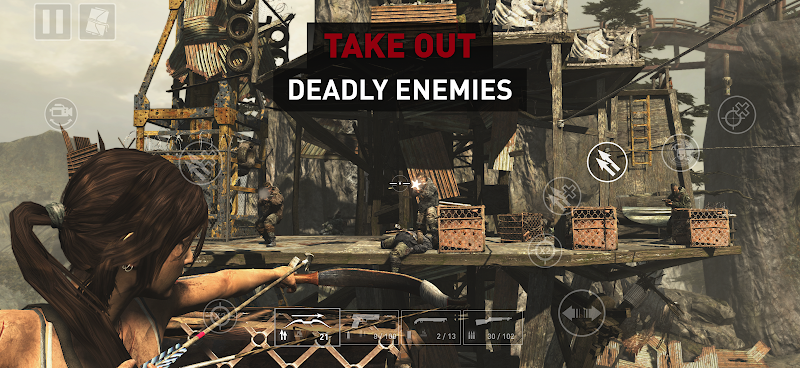
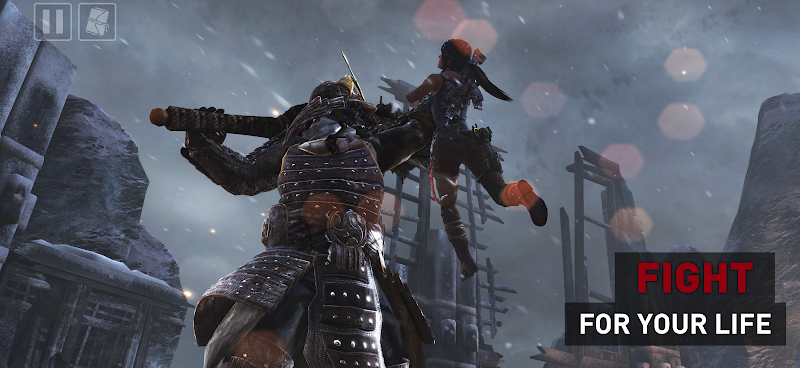
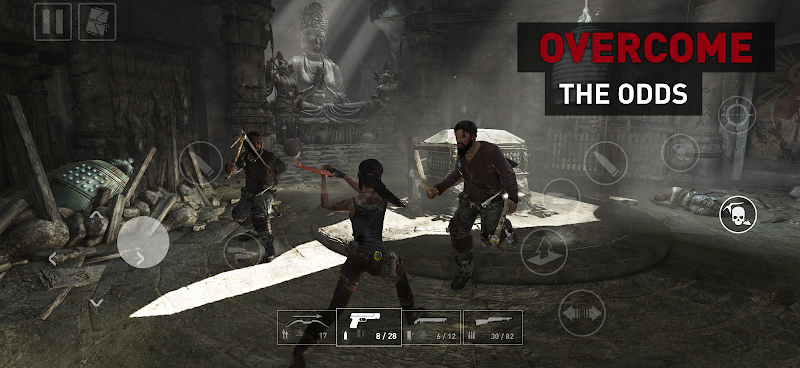
- Action-Packed Combat System: Tomb Raider’s combat blends ranged weapons, stealth mechanics, and quick-action encounters where players swap between bows, pistols, and makeshift tools. Enemies adapt to the environment, requiring tactical movement, strategic positioning, and smart timing during battles. This dynamic combat system brings console-level intensity to mobile devices.
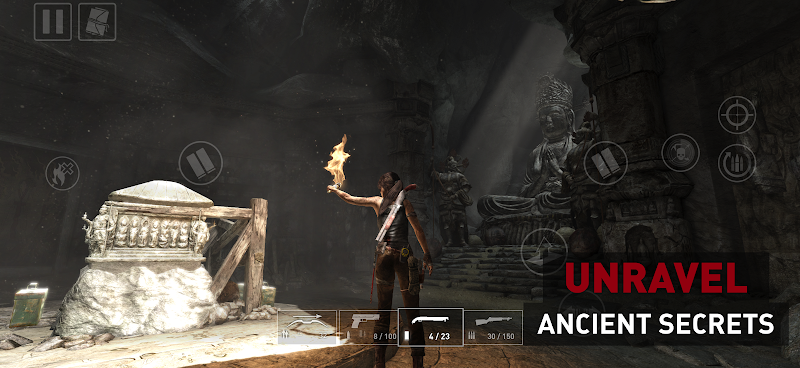
- Puzzle-Driven Tomb Challenges: The game includes classic puzzle tombs filled with traps, physics-based mechanisms, hidden levers, and timed challenges. Each tomb is crafted to test logic, environmental awareness, and precision, rewarding players with rare items or lore fragments. These tombs provide some of the most satisfying gameplay moments in the series.
- Survival and Crafting Mechanics: Players gather materials from the environment to craft upgrades, ammunition, and survival tools. Crafting enhances weapons, unlocks skills, and gives Lara new capabilities necessary for tougher fights and exploration. Managing resources becomes an important part of progressing through dangerous areas.
- Customizable Skills and Upgrades: Tomb Raider includes a progression system where players unlock abilities such as improved combat skills, enhanced exploration abilities, and crafting boosts. XP is earned through combat, discovery, and completing challenges, giving players freedom to shape Lara’s abilities according to their playstyle.
- Touchscreen and Controller Support: The Android version supports intuitive touchscreen controls optimized for movement, combat, and puzzle interaction, while also offering full compatibility with external controllers. This makes the game accessible to both casual players and those seeking a traditional console-style experience.
- High-Quality Visuals and Performance Optimization: The mobile release features upgraded textures, lighting improvements, and dynamic environmental effects adapted for Android hardware. Optimized performance ensures smooth gameplay across supported devices, maintaining graphical fidelity while balancing battery usage and device temperature.
- Offline Single-Player Experience: Tomb Raider on Android can be played entirely offline after installation, providing uninterrupted gameplay without the need for constant connectivity. This makes it ideal for long sessions, travel, and players who prefer a fully offline action-adventure experience.
How Playing Tomb Raider APK on Android Feels Compared to Console
Playing Tomb Raider on an Android device for the first time feels quite similar to the console version, but there are also differences you’ll notice immediately. The customizable touch controls work well for movement, aiming, and interacting with the environment, but are still better suited for casual gameplay, especially when moving, compared to the precision and responsiveness of physical controllers on PlayStation or Xbox. On mobile, the game is optimized with settings that allow you to choose between smoother performance or higher image quality, and the gyroscope aiming feature can help bridge the gap between touch controls and traditional controls when supported.
Graphics and animations are faithfully adapted to phones and tablets, retaining the AAA visuals and complex environments of the original console release, but depending on your device’s hardware you might notice minor differences in texture quality or frame pacing compared to a console version running at a fixed high performance.
Overall, the Tomb Raider gameplay experience retains all of its cinematic style and appeal for fans. So what are you waiting for? Join me in experiencing the game right now with this detailed step-by-step guide on downloading and installing Tomb Raider right here!
The Best Gameplay Tips for You in Tomb Raider APK
- Master Environmental Awareness: Always scan your surroundings before moving forward. Tomb Raider rewards players who explore every nook and cranny, revealing hidden tombs, treasure caches, and useful supplies. Use traversal tools like ropes, ledges, and climbable surfaces to uncover optional areas that may contain valuable upgrades or lore.
- Solve Puzzles by Observing Clues: Puzzle challenges are central to progress and require keen attention to your environment. Look for environmental cues like symbols, switches, or adjacent mechanisms rather than brute-forcing solutions. This not only helps unlock new areas but also deepens immersion in the game’s archaeological world.
- Use Combat Strategy, Not Just Firepower: While weapons are crucial, effective combat in Tomb Raider involves positioning and timing. Use cover and terrain to your advantage, and avoid engaging enemies recklessly; stealth and tactical movement can help you eliminate foes with fewer resources.
- Collect and Upgrade Often: Regularly gather materials, currency, and hidden items you find during exploration. These resources are essential for upgrading weapons and gear, making later combat encounters and puzzles more manageable. Prioritize upgrades that match your play style, whether it’s combat, exploration, or survival.
- Observe Combat Cues and Enemy Behavior: Enemies often give subtle audio or visual cues before attacking. Listen for changes in music intensity or character animations that signal danger, allowing you to react (dodge, counter, or reposition) before taking damage.
- Don’t Rush Through Areas: Taking your time encourages you to find secret areas and optional challenges that provide extra gear and experience. Backtracking with new tools or abilities can also reveal hidden sections you might have missed earlier.
- You can also check out advanced gameplay tips to help you conquer Tom Raider in the best way possible.
Conclusion
The arrival of Tomb Raider on Android marks a significant milestone for mobile gaming, a faithful console experience ported to handheld devices without sacrificing essential content or scale. From its deep storyline and rich world design to its survival gameplay and engaging puzzle mechanics, this is a must-play for adventure game enthusiasts. Download Tomb Raider on Android now and begin Lara Croft’s legendary journey today!
Check out the new improvements to Tomb Raider in this update!
FAQs
1. Does Tomb Raider on Android include the full console story?
Yes, the mobile version includes the complete narrative and missions from the original console release without removed content.
2. Are all challenge tombs available on Android?
Yes, all major challenge tombs and optional puzzle areas are included, offering the same rewards and exploration opportunities.
3. Does the Android version support external controllers?
Yes, Bluetooth controllers are supported, giving players a console-like gameplay option.
4. Can I adjust graphics settings on Android?
Most supported devices offer presets for performance or visual quality, allowing players to optimize based on their hardware.
5. Is touchscreen combat different from console combat?
The mechanics are the same, but touchscreen inputs simplify aiming and actions while retaining core combat flow.
Images