Parallel Space
LBE Tech
Feb 7, 2016
Dec 18, 2025
46 MB
4.0.9553
Android 7.0+
9645

Description
Parallel Space enhances multitasking on Android by allowing you to easily manage multiple accounts. Explore the app’s features, benefits, and usage to understand why it’s a top choice for systematic app management in this article.
What is Parallel Space APK?
Parallel Space is a productivity and utility app developed by LBE Tech, originally released in 2017 for Android devices, designed to help users manage multiple accounts within the same application on a single phone.
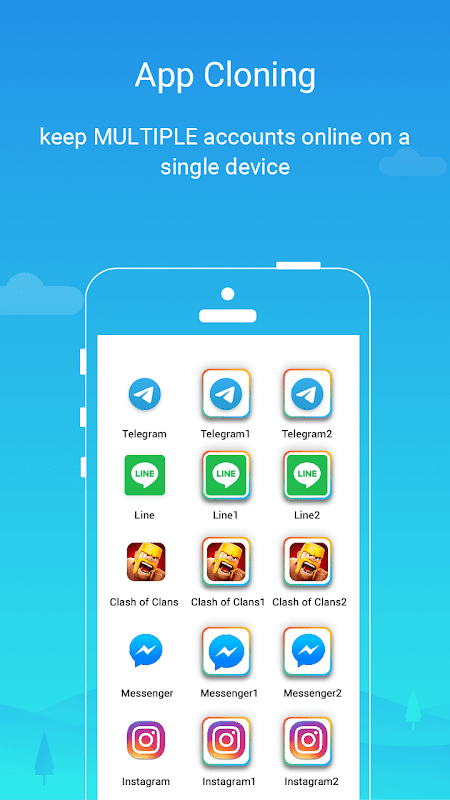
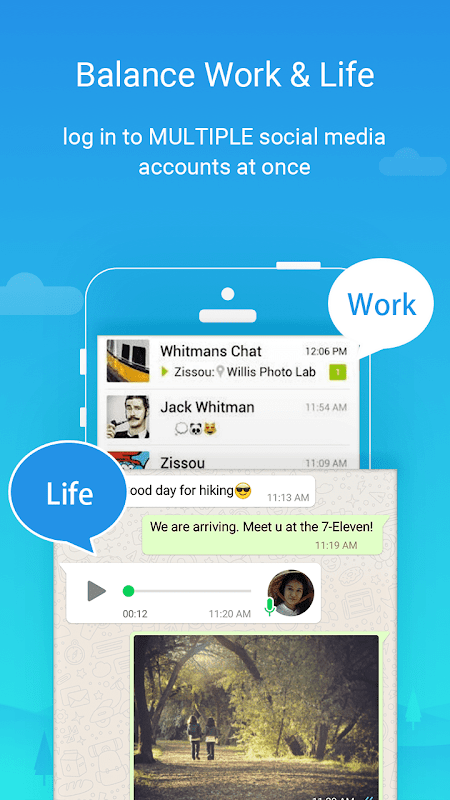
Instead of focusing on gameplay, Parallel Space stands out through its smart virtualization technology, allowing users to clone popular social, messaging, and gaming apps and run them independently at the same time. With features like dual-account support, privacy protection, app hiding, and smooth switching between profiles, it offers a practical solution for users who want better control over work and personal accounts without juggling multiple devices.
Key Features of Parallel Space APK
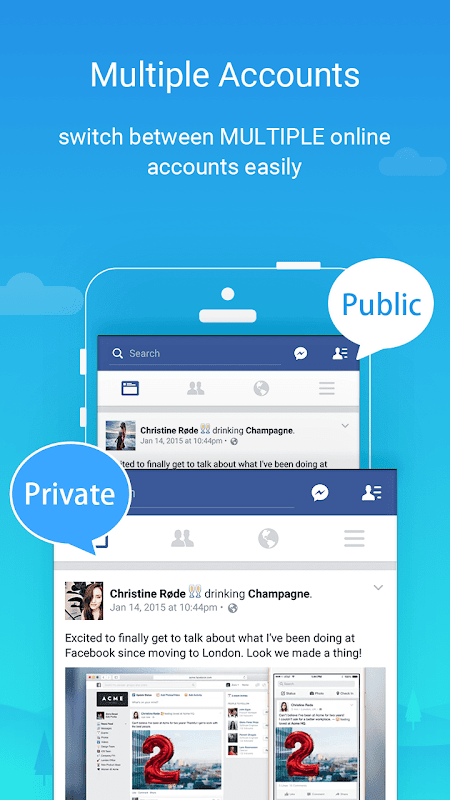
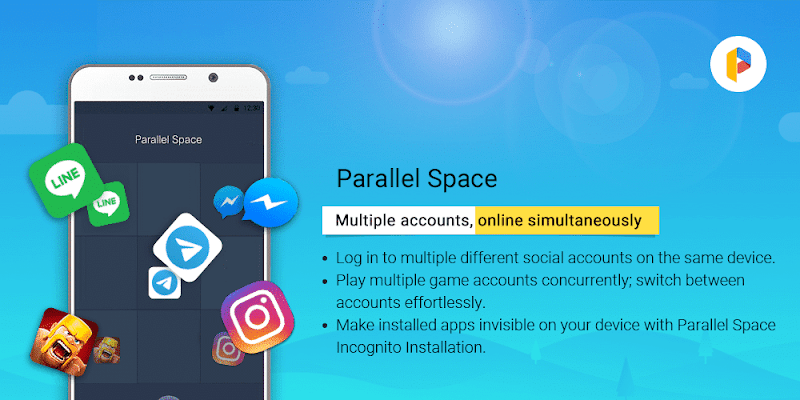
- Multi-Account Support: Parallel Space’s flagship feature is the ability to clone supported apps so that each instance runs with its own login and data. Imagine checking two personal Instagram profiles at the same time without switching devices, that’s the everyday convenience this app delivers.
- Enhanced Privacy and Security: The app includes privacy-focused tools such as Incognito Installation which hides selected apps inside a private space so they don’t appear on your main app grid and secure locks using PIN or pattern protections. This adds an extra layer of defense for sensitive accounts you want to keep out of sight.
- Seamless One-Tap Switching: Switching between cloned accounts is effortless. Unlike manual login cycles, Parallel Space lets you transition from one session to another with just a tap, keeping workflows and chats smooth and uninterrupted.
- Customization and Themes: Parallel Space also supports themes that personalize the look of your cloned environments. While secondary to its core utility, this aesthetic layer helps users visually distinguish between accounts.
- Wide Compatibility with Android Apps: From social media giants like Facebook and Instagram to communication tools like WhatsApp, and even select games, most Android apps can be cloned successfully. Note that some apps with tightened security flags (such as REQUIRE_SECURE_ENV) might not be supported in certain versions.
How to Use Parallel Space for Beginners
If you’re new to Parallel Space, getting started is simple and intuitive, no tech skills required. The app creates a virtual space on your Android phone that lets you run multiple instances of the same application independently so you can sign in to different accounts at the same time without switching back and forth.
Here’s a quick beginner-friendly guide:
- Install Parallel Space: Download and install the app from APKYiYi.
- Open the App: Launch Parallel Space and grant any required permissions so it can access your apps and manage clones.
- Add an App to Clone: Tap the “+” or “Add App” button on the main screen. A list of your installed apps will appear.
- Select the App to Clone: Choose the app you want to duplicate (e.g., WhatsApp, Instagram). Tap “Add to Parallel Space” and wait a few moments while the clone is created.
- Launch and Log In: Back on the Parallel Space home screen, tap the cloned app icon, then sign in with your second account.
- Manage Cloned Apps: You can customize or remove cloned apps by long-pressing their icons within Parallel Space or using the menu next to each app.
With this simple setup, beginners can quickly start using multiple accounts side-by-side, perfect for social media, messaging, and more without switching constantly.
Tips for Smart Use of Parallel Space APK
To get the most out of Parallel Space, use these practical tips backed by reliable sources and real-world use patterns:
- Optimize Notifications: Ensure cloned apps deliver alerts reliably by adding Parallel Space to your device’s battery optimization whitelist or allowed apps list. This prevents Android from stopping background processes and helps you receive messages and updates on time.
- Manage Resource Usage: Running multiple cloned apps can increase memory, battery and data usage. Close unused clones regularly and avoid cloning too many heavy apps at once to maintain smooth performance.
- Regular Updates: Keep both Parallel Space and your cloned applications updated to the latest versions to reduce compatibility issues and benefit from performance improvements and security fixes.
- Storage Cleanup: Cloned apps generate data over time, so periodically check and clean up storage to free space and help your device run more efficiently.
- Use Privacy Tools Wisely: Take advantage of Parallel Space’s privacy features like Incognito Installation and secure locks to keep sensitive apps isolated and protect personal information from casual observers.
Pros and Cons of Parallel Space APK
Pros
- Multi-account convenience: Lets you run multiple accounts for the same app in parallel on one Android device (useful for social, messaging, and games).
- Privacy option: Includes an “Incognito Installation” feature designed to hide apps from your device’s main view.
- Up-to-date compatibility: Recent releases highlight full compatibility with Android 15 and performance optimizations.
- More than two accounts (supported scenarios): Latest changelogs note “concurrent online of multiple accounts,” expanding beyond basic dual-account use.
Cons
- Battery/resource overhead can happen: The developer’s FAQ acknowledges higher battery consumption in some cases (especially early use/background services behavior).
- Not all apps can be cloned: Newer versions discontinued cloning for apps that declare the REQUIRE_SECURE_ENV flag, so some security-sensitive apps may not work in cloned mode.
Conclusion
For Android users who juggle multiple accounts or need a smarter multitasking workflow, Parallel Space remains a leading solution. Its seamless account cloning, privacy toolkit, and intuitive interface make it a must-have utility in your mobile toolkit. Whether you’re managing social media, messaging apps, or gaming accounts, Parallel Space delivers the flexibility and control modern users demand.
Download Parallel Space now and experience truly flexible account management on your Android device.
FAQs
1. What is Parallel Space APK used for?
It’s used to run multiple accounts of the same app on a single Android device.
2. Does Parallel Space APK support social media apps?
Yes, it works with most social and messaging apps like WhatsApp, Facebook, and Instagram.
3. Can Parallel Space APK clone games?
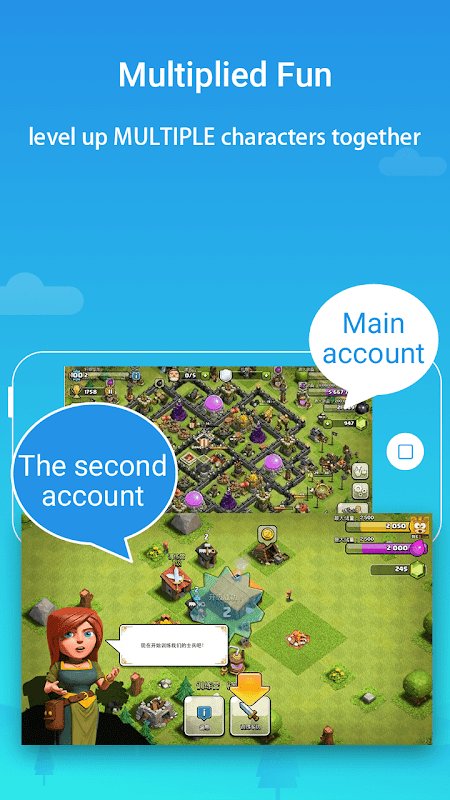
Many games can be cloned, allowing users to manage separate profiles independently.
4. Is Parallel Space free to use?
Yes, it offers a free version with optional premium features.
5. Does Parallel Space protect user privacy?
Yes, it includes app hiding and security lock options for added privacy.
What's new
- Support for concurrent online multiple accounts, not just two.
- Optimized overall performance and bug fixes.
- Removed support for apps with REQUIRE_SECURE_ENV flag due to policy changes.
Images