
Tips for playing My Voice Zoo APK can help you improve recordings, grow your zoo faster, and enjoy smoother gameplay on Android. This guide highlights practical strategies and creative techniques players often overlook. Keep reading to discover how to get the best results from every feature.
Master the Art of Voice Recording
The central mechanic in My Voice Zoo is turning your voice into animal calls, so getting quality audio recordings is essential. Here’s how to make your sound recordings stand out:
1. Choose a Quiet Location
- Record in a quiet environment to avoid background noise that distracts from the animal sounds.
- Avoid crowded or windy areas that interfere with your microphone’s sensitivity.
2. Experiment With Voice Tones
- Try different pitches and tones; a low voice might suit a lion, while a higher pitch might make a bird’s chirping more lively.
- Be playful: the more diverse your recordings, the richer your zoo’s soundscape.
3. Re-record When Needed
- Don’t hesitate to re-record an animal’s sound if the first take feels off.
- Recording different takes also lets you mix and match sounds for fun effects.
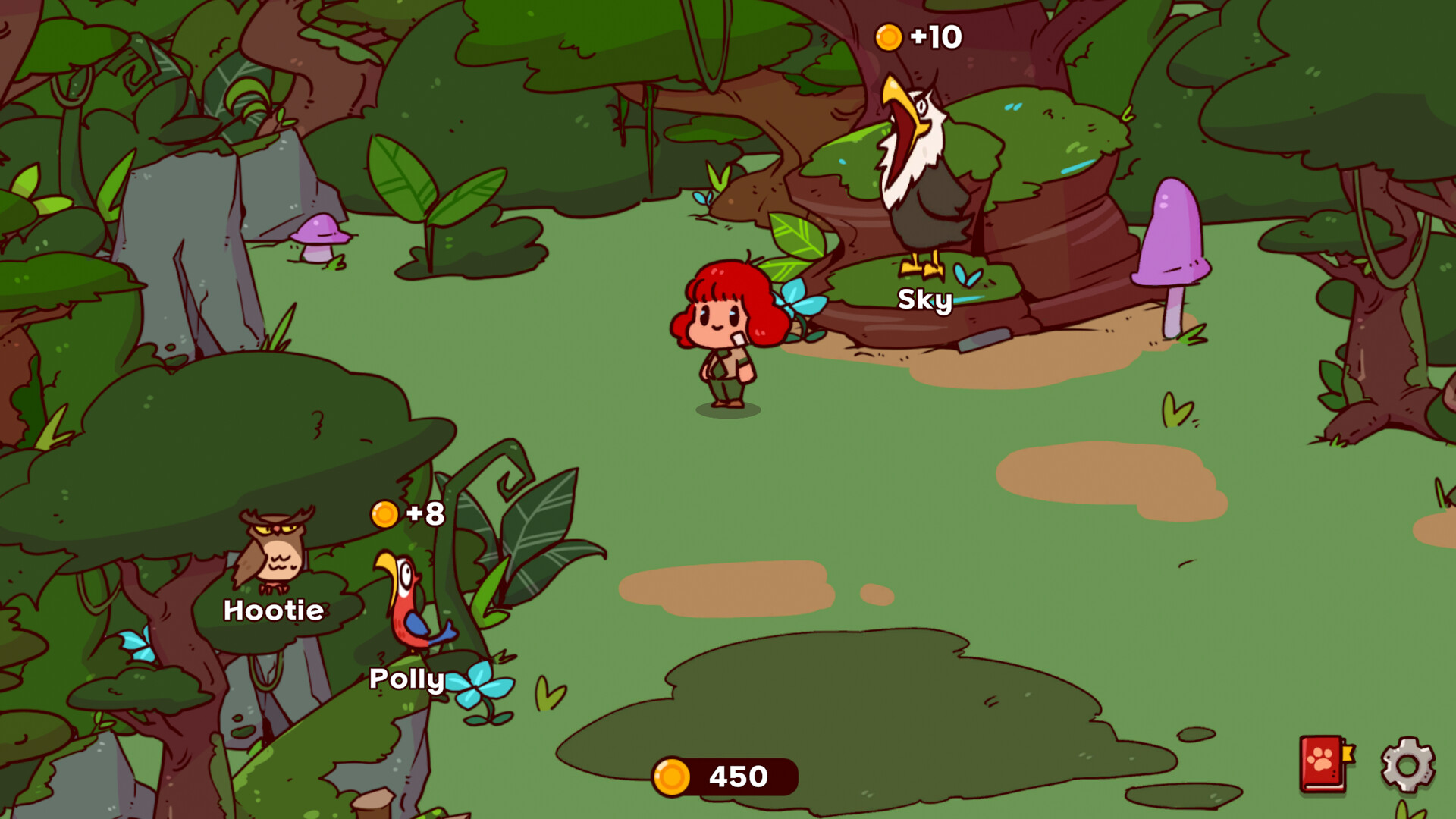
Optimize Zoo Growth and Income
Growing your zoo and earning coins efficiently relies on smart zoo management and idle income strategies.
1. Adopt Animals That Complement Each Other
- A balanced mix of animals makes your zoo sound vibrant and attracts more attention (in idle scenarios).
- Use recordings to establish unique personalities for each animal.
2. Keep Animals Active
- Your animals generate income based on how often they emit their recorded sounds.
- Try strategic placement of animals to inspire frequent sound playback.
3. Progress Through Expansion
- Earned coins can help you adopt new creatures and expand habitats.
- Prioritize upgrades that improve income flow and unlock more interactive animals.
Engage Creatively With Gameplay Mechanics
Playing My Voice Zoo isn’t just about progress; it’s also about expressing creativity and having fun with sounds.
1. Make Use of Idle Time
- Because the game uses idle income mechanics, your zoo continues to grow even when you’re offline.
- Check back periodically to adopt new animals and record fresh sounds.
2. Personalize With Sound Themes
- Try creating themed recordings such as jungle roars, birdsong, or fantastical sounds to give your zoo a unique identity.
- Share ideas with other players to inspire even more creative combinations.
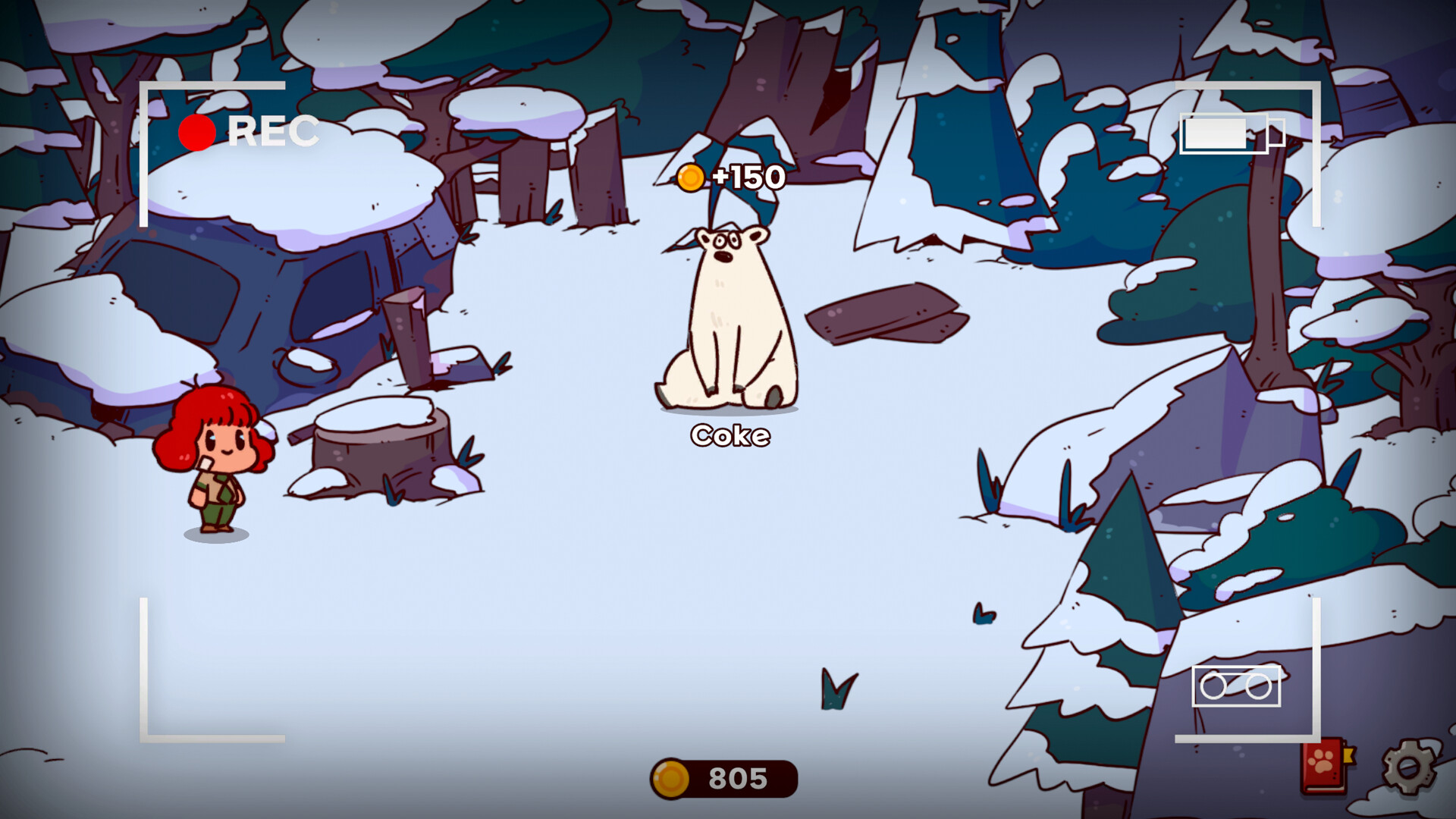
Handle Common Challenges with Ease
Even with fun mechanics, a few common issues can affect your experience — but they’re easily manageable.
1. Recording Glitches
- If a recording sounds muffled, pause and retry in a better environment.
- Avoid covering the microphone with your finger while recording.
2. Slow Progression
- If your zoo isn’t growing fast enough, focus on earlier upgrades that improve income rates.
- Prioritize animal adoptions that give better returns over time.
Final Thoughts
The My Voice Zoo APK app offers a creative and engaging experience by allowing you to control the sounds in your zoo through voice recordings. With the right approach, from high-quality voice recording and strategic zoo development to regular performance maintenance, you can maximize enjoyment and build a zoo that is both efficient and uniquely fun.
These tips help you play smarter, progress quicker, and enjoy the playfulness that makes My Voice Zoo stand out among Android simulation games. Whether you’re experimenting with fun animal sounds or fine-tuning your zoo’s economy, your creative touch makes all the difference.